

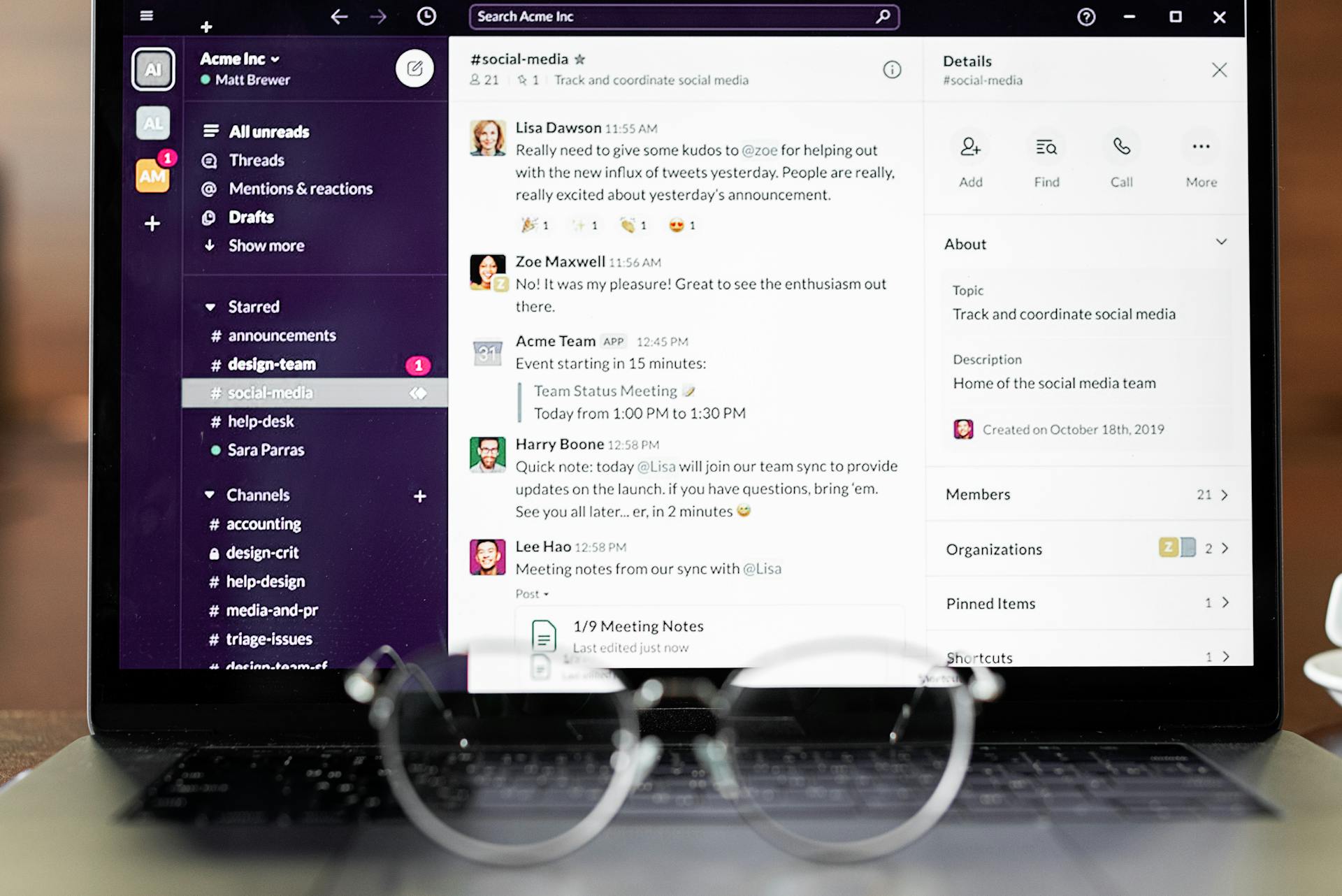
Optimistic UI updates bring a dash of boldness to modern applications, helping bridge the gap between user action and system response time. By leveraging assumptions about what will happen after a user action, an Optimistic UI instantly updates the interface, predicting a successful outcome before the backend confirms it. This approach not only enhances user experience but also reduces perceived waiting time, making applications feel incredibly responsive.
What are Optimistic UI Updates?
An Optimistic UI update is a design pattern where the user interface is updated immediately in response to an action, while the actual data processing occurs in the background. Instead of waiting for a server’s response, the UI assumes success and proceeds to show the intended result. If the backend confirms the action’s success, the UI does nothing further. If the backed response is an error, the UI reverts to its previous state, handling errors in a way that minimizes user disruption.
For example, in a chat application, when a user sends a message, it appears immediately in their message thread as if it has been sent successfully, even though the server may still be processing it. This is an optimistic update, as it assumes the message will be sent successfully. In case where it doesn’t, an error notification can alert the user, and the app can let them retry.
Why use Optimistic UI Updates?
The primary benefit of optimistic updates is that they make an application feel faster and more responsive, especially in cases where server times are variable. Instead of making users wait with a “Loading…” spinner, the application presents immediate feedback, reducing perceived latency and improving the user experience.
This pattern in particularly valuable in scenarios like, but is not limited to:
- Social Media Interactions – Liking, sharing, or commenting on posts.
- eCommerce Applications – Adding or removing items from a shopping cart.
- Real-time Collaboration Tools – Updating shared documents or task boards.